CapCut vs Premiere Pro (+ Happy Duck AI): Best Short-Form Video Workflow
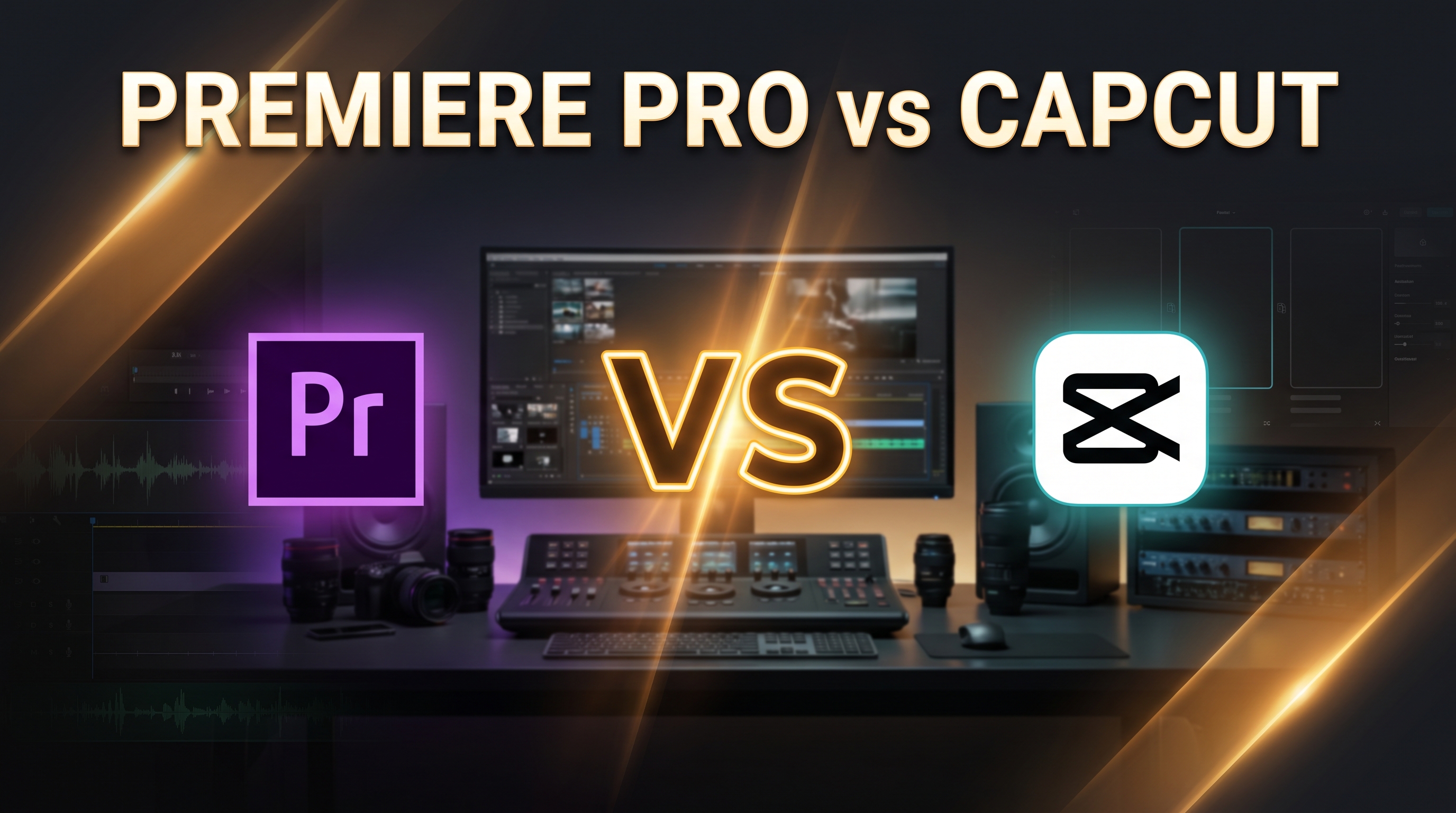
Short-form video content on TikTok, Instagram Reels, and YouTube Shorts demands unprecedented output speed. Creators must churn out tightly edited, visually engaging 60-second clips with dynamic captions, seamless B-roll, and rapid pacing. This demand has sparked an intense debate in the editing community: CapCut vs Adobe Premiere Pro—which platform actually delivers the best workflow for short-form creators?
CapCut has taken social media by storm with its intuitive mobile and desktop ecosystem and automated AI features. Meanwhile, Adobe Premiere Pro remains the undeniable industry standard for professional desktop editing. While CapCut offers lightning-fast social turnaround and Premiere Pro delivers deep creative control, smart extensions like Happy Duck AI are bridging the speed gap, allowing creators to keep Premiere Pro's professional engine while cutting edit times by up to 80%.
In this comprehensive comparison, we break down speed, AI capabilities, workflow friction, and real-world limits for both platforms.
1. Interface & Speed: Social Velocity vs. Timeline Precision
Speed is the primary metric for short-form content success. How fast can you get a raw talking-head recording turned into a finished, polished vertical video?
CapCut: Optimized for Immediate Publishing
CapCut (developed by ByteDance) is engineered specifically for social video velocity. Available across mobile, desktop (macOS/Windows), and web browsers, it boasts over 800 million monthly active users. Its user interface features a minimal learning curve, pre-formatted 9:16 aspect ratios, visual timeline templates, and built-in viral sound effects.
- Pros: Immediate project setup, seamless cross-device cloud sync (mobile to desktop), and built-in trending audio templates.
- Cons: Lacks advanced audio channel routing, precise keyframing, and multi-cam timeline management needed for complex productions.
Adobe Premiere Pro: Deep Control with Initial Setup Overhead
Premiere Pro is built for deep production editing. According to industry research, Premiere Pro dominates intermediate (47%) and advanced professional editors (58%). However, for short-form creators, its power comes with setup friction: creating custom sequence settings, scratch disk management, and manual timeline organization.
- Pros: Unlimited track customization, direct Dynamic Link to After Effects and Audition, and professional color grading engines (Lumetri Color).
- Cons: Slower setup phase and heavier timeline management requirements for quick turnarounds.
2. Silence Removal & Rough Cuts: The Ultimate Editing Bottleneck
The most time-consuming task in short-form editing is cutting out pauses, dead air, false starts, and repeated takes ("rough cutting"). Both platforms attempt to automate this, but key limitations exist.
CapCut Auto-Cut Tools
CapCut offers basic automated visual trimming and smart template cutouts. While fast for simple vlogs, it often misses subtle audio silences or cuts off sentence endings awkwardly, requiring manual adjustment across multiple clips.
Premiere Pro Text-Based Editing & Its Native Limitations
Adobe Premiere Pro introduced Text-Based Editing, allowing editors to transcribe audio into text and delete video clips simply by deleting words in the transcript. While impressive, this native feature has major operational drawbacks:
- Speech-to-Text Dependency: Premiere Pro's Text-Based Editing relies entirely on its built-in Speech-to-Text engine. Premiere Pro does not natively support Arabic speech recognition (even up to version 26.0), rendering Text-Based Editing functionally useless for Arabic short-form content without third-party transcription workarounds.
- Silence Misinterpretation: Premiere's transcript engine struggles to distinguish between intentional dramatic pauses and unwanted audio silences, frequently missing non-speech background gaps.
- No Automatic Take Selection: It cannot identify repeated takes or pick the best sentence attempt automatically.

Supercharge Premiere Pro with Happy Duck AI
Eliminate manual rough cuts natively in your Premiere timeline. Happy Duck AI uses advanced Voice Activity Detection (VAD) to trim silences instantly in any language, select your best takes, and generate hyper-accurate Arabic and English captions.
Try Happy Duck AI3. AI Tools & Captions Comparison
Dynamic subtitles and automated visual assets are essential for retention in vertical video. Here is how CapCut and Premiere Pro compare on native AI features:
| Feature | CapCut Pro ($19.99/mo) | Adobe Premiere Pro (~$22.99/mo) |
|---|---|---|
| Auto Captions | Fast dynamic text presets, animated pop-ups, automatic language translation. | Native dynamic captions. Strong English performance, but lacks native Arabic and regional dialect support. |
| Generative Video | Seedance 2.5 AI tools (text-to-video, image-to-video) operating on a credit-consumption model. | Generative Extend (powered by Adobe Firefly) to seamlessly add extra frames to video and audio tracks. |
| Audio Enhancement | Standard background noise reduction and AI voice cloning. | Enhanced Speech tool for broadcast-quality dialogue isolation and vocal clarity. |
| Reframing | One-tap aspect ratio switching with visual canvas adjustment. | Auto Reframe powered by Adobe Sensei, keeping subject centered in 9:16 vertical exports. |
While CapCut provides flashy pre-made subtitle animation templates, professional creators often find CapCut's desktop text editing restrictive when customizing brand-specific typography or exporting broadcast subtitle files (.SRT). Conversely, Premiere Pro offers deep subtitle typography control, but native speech recognition falls short for regional languages and multi-dialect content (such as spoken Arabic dialects).
4. Pricing & Value Breakdown
Cost structure is another crucial decision point for creators deciding between subscription tiers:
CapCut Pricing
- Free Tier ($0): Includes basic multi-track editing, 1080p export, basic dynamic captions, and media assets. Premium templates display watermarks or require upgrading.
- Standard Tier (~$9.99/month): Removes watermarks and unlocks basic mobile-centric templates (without 4K export support).
- Pro Tier ($19.99/month or $179.99/year): Unlocks 4K resolution exports, 100GB cloud storage, motion tracking, and credit-based AI video generation (Seedance 2.5).
Adobe Premiere Pro Pricing
- 7-Day Free Trial: No permanent free tier available.
- Single App Subscription (~$22.99/month): Includes full Premiere Pro desktop app, 100GB Adobe Cloud storage, and monthly Firefly generative AI credits.
- Creative Cloud All Apps (~$54.99 - $69.99/month): Unlocks After Effects, Photoshop, Audition, and Frame.io V4 collaboration panels.
5. The Verdict: Which Workflow Should You Choose?
Choosing between CapCut and Premiere Pro isn't just about software—it's about matching your software to your production goals:
- Choose CapCut if: You are a solo creator working primarily on mobile or light desktop setups, needing fast viral trends, simple drag-and-drop animations, and quick social turnaround without complex color or audio mastering.
- Choose Premiere Pro if: You are an agency, professional video editor, or serious creator who requires pixel-perfect accuracy, advanced multi-track timelines, color grading, After Effects motion graphics integration, and high-fidelity audio processing.
However, if you choose Premiere Pro, you shouldn't have to sacrifice CapCut's automated speed. By pairing Premiere Pro with Happy Duck AI, you eliminate the tedious manual bottlenecks of professional editing. Happy Duck AI sits directly inside your Premiere timeline to provide automatic silence removal (using Audio VAD, working across all languages without transcript dependencies), accurate multi-dialect Arabic auto-captions, timeline B-roll searching, and AI image generation in a single click.
Keep the professional standard of Adobe Premiere Pro—and power it with the AI speed your workflow demands.